A controller that waters manually but skips its automatic cycle usually has a schedule or sensor condition, not a failed valve. Confirm the current date and time, an active start time, station runtimes, eligible water days, rain delay, sensor state, seasonal adjustment, and smart weather-skip history.
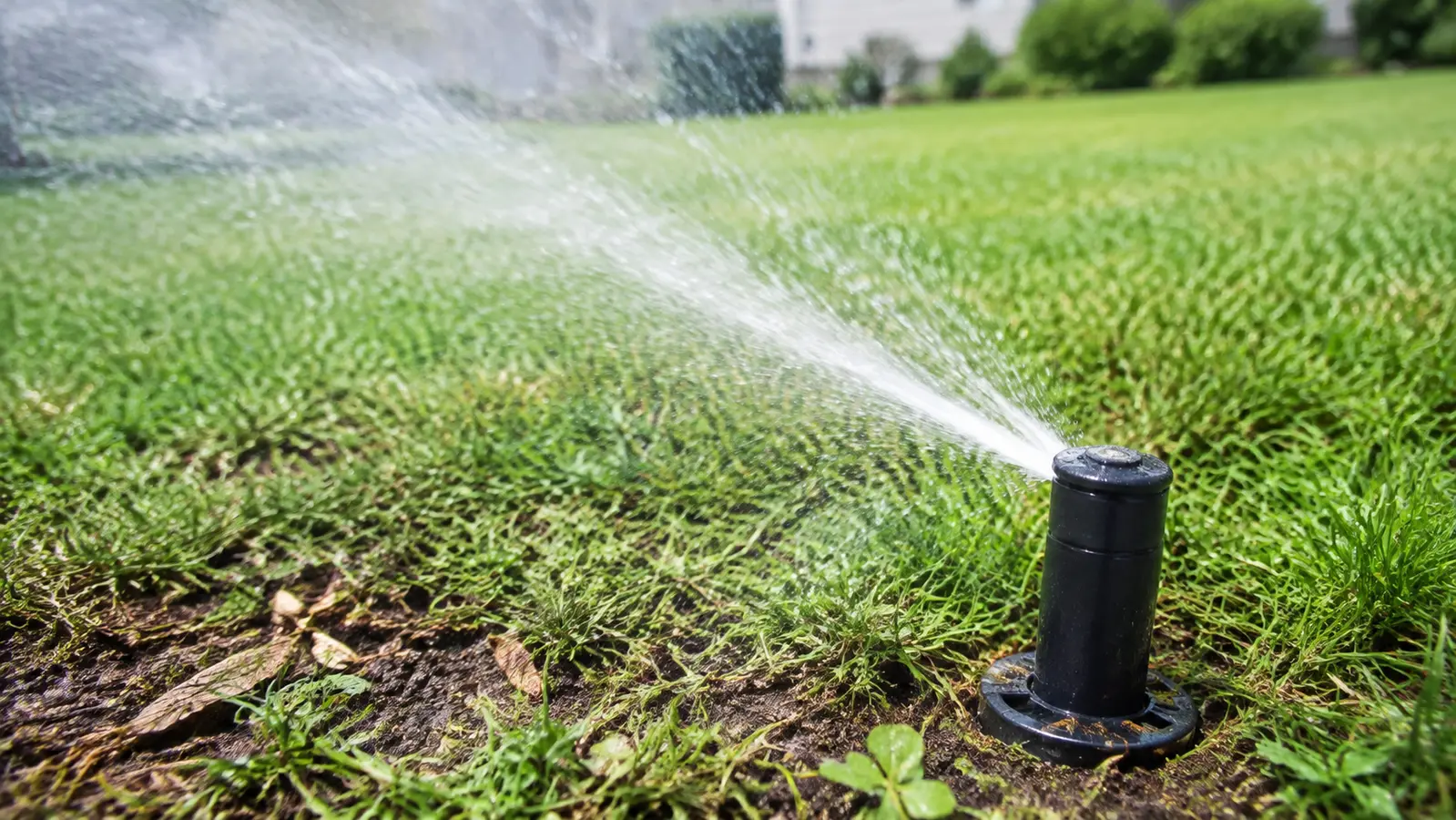
Match the pattern before opening anything
| Possible cause | Best clue | First check |
|---|---|---|
| No valid start time or water day | Manual run works normally | Review date, day rule, and start time |
| Rain delay or active sensor | Display shows sensor, delay, or skip | Read the status before bypassing |
| Zero runtime or seasonal adjustment | Only one station is skipped | Check minutes in the active program |
| Smart weather or moisture skip | App records a reason for cancellation | Review skip history and thresholds |
Read the system before replacing a part
Use the observation that most closely matches your yard. Each row changes the next test, so you do not spend an afternoon proving the wrong theory.
What it meansController output, field wiring, valve, and water can operate.
Do nextStay inside schedule, clock, sensor, delay, and smart-skip logic.
What it meansAn override is intentionally inhibiting the program.
Do nextInspect the sensor state or documented bypass—not the valve.
What it meansA start time can occur without this station watering.
Do nextAssign the intended runtime to the correct program.
What it meansThe controller made a deliberate smart-watering decision.
Do nextReview thresholds and local restrictions before overriding conservation logic.
Four tests that narrow the fault
Stop as soon as one result gives you a clear boundary. The goal is not to perform every test; it is to eliminate whole groups of causes safely.
- 01
Prove hardware with manual station mode
Run the missed station from the controller, not from the valve.
IF YES / NORMALNormal watering confines the fault to automatic logic.
IF NO / ABNORMALUse the one-station diagnostic before editing schedules.
- 02
Audit the four schedule gates
Confirm current date/time, enabled watering day, program start time, and nonzero station runtime.
IF YES / NORMALAll four conditions are true for the same program.
IF NO / ABNORMALCorrect the single false condition and preserve the rest.
- 03
Check inhibiting controls
Record rain sensor, rain delay, seasonal percentage, suspend/off state, and municipal restriction settings.
IF YES / NORMALNo active override blocks the intended event.
IF NO / ABNORMALThe displayed or logged reason explains the skip.
- 04
Schedule a near-term observation
Create a short, permitted test start a few minutes ahead and watch without manual intervention.
IF YES / NORMALAutomatic logic now starts the station.
IF NO / ABNORMALRecord the display and history at the missed minute; that state is more useful than a reset.
Common fixes that waste time
That test already proves the automatic command path can operate the valve.
It hides a sensor or configuration issue and can waste water.
A start in Program A cannot use a runtime stored only in Program B.
How the evidence changes the repair
Zone 3 watered from controller manual mode but skipped every scheduled Tuesday.
- Clock and Tuesday watering day were correct.
- Program A had a 5:00 a.m. start.
- Zone 3 runtime was stored in Program B, which had no start time.
Every setting looked valid in isolation, but they were not in the same program. Moving the runtime to the intended program restored automatic watering without hardware replacement.
How to confirm the repair actually held
A single successful start can hide an intermittent splice, sticky valve, remaining leak, or scheduling problem. Recreate the original conditions before calling the job finished.
Pass: Automatic watering starts without using Water Now.
If not: One of the required schedule conditions is still false.
Pass: Only the intended controls can suppress watering.
If not: The displayed skip reason should determine the next correction.
Pass: Date, time, and watering day remain correct.
If not: Backup power or saved programming needs attention.
Check these in order
- 01
Prove manual operation first
Run the affected zone from the controller. Normal manual watering shows that the controller can operate the field circuit and that the investigation should begin with schedule logic.
- 02
Check clock, start time, and water day
Verify AM/PM, current date, odd/even or interval rules, local watering days, and at least one valid program start time.
- 03
Check station runtime
A program can start correctly while a station with zero minutes is silently skipped. Review each station in the program actually scheduled to run.
- 04
Read sensor and delay status
Look for rain delay, sensor-off, freeze, wind, saturation, or moisture messages. Use a temporary bypass only for diagnosis and restore the water-saving control afterward.
- 05
Review smart-controller history
Weather-based controllers often record why a run was skipped. Compare the logged reason with actual conditions and correct location, soil, nozzle, exposure, or threshold settings rather than disabling automation permanently.
- Manual operation also fails, indicating a circuit or valve problem.
- The rain-sensor wiring is damaged or the bypass does not change status.
- Local watering rules or reclaimed-water controls are involved.
What homeowners ask about this symptom
Why does manual watering work but the schedule does not?
Manual operation bypasses some schedule conditions. Automatic watering still depends on valid start times, water days, runtimes, sensor state, delay settings, and smart weather rules.
Should I permanently bypass the rain sensor?
No. A temporary bypass can help diagnose the cause, but a functioning sensor prevents unnecessary watering. Repair or adjust the sensor and restore normal control.
Sources and review notes
General maintenance logic is checked against EPA WaterSense outdoor irrigation guidance. Product controls and disassembly steps vary by model; use the current manufacturer manual for your exact valve, controller, or sprinkler head.
Published and last reviewed: August 28, 2026