One non-rotating rotor with normal neighboring heads is usually clogged, jammed, or worn. Several rotors failing together suggest low zone pressure or flow. Confirm the pattern, clean the nozzle and filter if serviceable, and match the replacement's pressure and flow requirements.
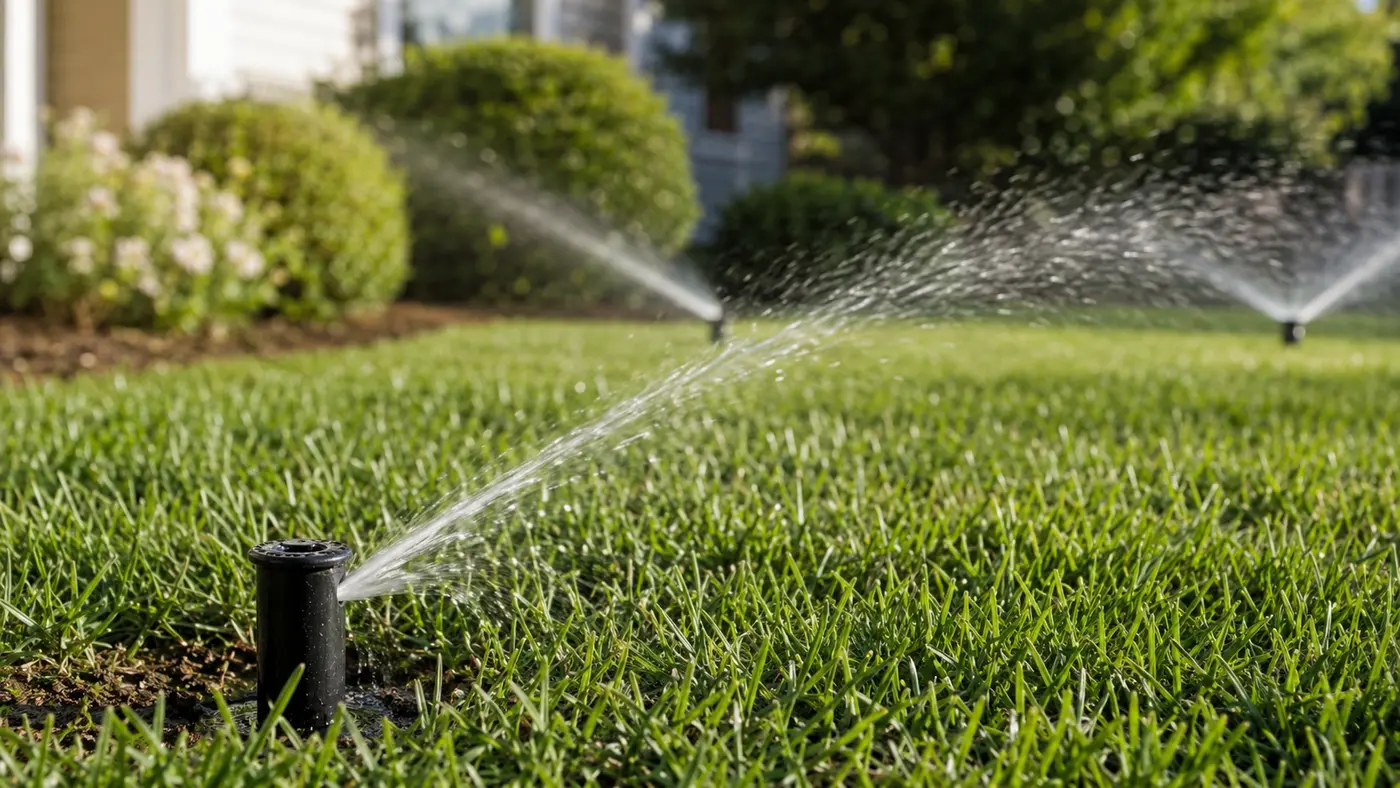
Match the pattern before opening anything
| Possible cause | Best clue | First check |
|---|---|---|
| Debris in nozzle or filter | Weak stream and stalled rotation | Clean serviceable screen and nozzle |
| Internal gear wear | Strong stream but head stalls or clicks | Compare with a known-good matched rotor |
| Arc or trip setting | Head stops at the same point | Review model-specific arc adjustment |
| Low zone pressure | Several rotors turn slowly or not at all | Use the one-zone pressure diagnostic |
Read the system before replacing a part
Use the observation that most closely matches your yard. Each row changes the next test, so you do not spend an afternoon proving the wrong theory.
What it meansIts filter, adjustment, or internal drive is the likely boundary.
Do nextCompare nozzle/filter condition before replacing the body.
What it meansZone pressure or flow may be insufficient.
Do nextCheck leaks, valve opening, and total nozzle demand.
What it meansA restricted adjustment or marginal flow may be starving the drive.
Do nextReturn to model settings and clean the filter.
What it meansArc setup or internal reversing gears may be involved.
Do nextReset the arc by the exact model instructions.
Four tests that narrow the fault
Stop as soon as one result gives you a clear boundary. The goal is not to perform every test; it is to eliminate whole groups of causes safely.
- 01
Classify the head
Identify gear-drive rotor, rotary nozzle, or impact head before adjusting it.
IF YES / NORMALThe correct manual and tool can be used.
IF NO / ABNORMALGeneric rotation advice can damage a different mechanism.
- 02
Compare stream and rise
Watch an equivalent working head on the same zone for throw, rise, and rotation speed.
IF YES / NORMALOnly one strong non-rotating head points locally.
IF NO / ABNORMALSeveral weak heads move the diagnosis upstream.
- 03
Clean the specified filter
Turn water off, remove only the model-approved nozzle or internal assembly, rinse the filter, and reinstall it.
IF YES / NORMALRotation returns with normal throw.
IF NO / ABNORMALA clean filter with correct pressure points to adjustment or worn drive parts.
- 04
Verify arc and radius settings
With the correct key and model instructions, set a midrange arc and avoid forcing either stop.
IF YES / NORMALThe head reverses at both limits.
IF NO / ABNORMALPersistent stalling after flow and filter checks usually calls for the specified replacement part or head.
Common fixes that waste time
Different rotor families use different fixed stops and directions.
It can attract grit or damage materials; follow manufacturer service guidance.
A zone-wide pattern points to pressure, flow, valve, or leak—not simultaneous gear failure.
How the evidence changes the repair
One rotor produced full throw but remained aimed at the driveway.
- Neighboring rotors rose and rotated normally.
- The stopped rotor's filter contained fine grit.
- After cleaning, it rotated but missed the left boundary until its model-specific arc was reset.
Strong local flow ruled against a zone redesign. Two separate local issues—filter debris and arc position—had to be corrected before coverage was restored.
How to confirm the repair actually held
A single successful start can hide an intermittent splice, sticky valve, remaining leak, or scheduling problem. Recreate the original conditions before calling the job finished.
Pass: The rotor reverses consistently at both arc stops.
If not: Debris, pressure, adjustment, or the drive mechanism remains faulty.
Pass: Distance and stream breakup are comparable.
If not: Nozzle, filter, pressure, or flow still differs.
Pass: Rotation does not slow or stall later in the cycle.
If not: Use the time-dependent pressure-loss diagnosis.
Check these in order
- 01
Count affected rotors
One failed rotor is probably local. Multiple slow rotors require a zone-level check for leaks, valve restriction, excessive demand, or supply pressure.
- 02
Observe stream quality
A strong stream with no rotation suggests a drive or setting problem. A short weak stream suggests clogging or insufficient pressure.
- 03
Clean only serviceable parts
Turn the zone off and follow the model instructions for nozzle and filter access. Do not twist the turret beyond its stops or force an unfamiliar adjustment screw.
- 04
Verify arc and radius settings
Use the correct key and count small adjustments. An incorrect arc can look like no rotation when the head is parked at a limit.
- 05
Match replacement hydraulics
Use compatible nozzle flow, inlet size, pop-up height, radius, and operating pressure. Mixing unmatched precipitation rates can create wet and dry sections.
- Several rotors fail and the zone also has low pressure.
- The head is under hardscape or large roots.
- Gear failure repeats because grit is entering the lateral line.
What homeowners ask about this symptom
Can I turn a rotor by hand?
Many rotors allow limited turret movement for setup, but forcing beyond the model's stops can damage gears. Follow the exact manufacturer's adjustment instructions.
Why does the rotor work after I tap it?
Temporary movement can indicate grit, worn seals, or internal gear wear. Cleaning may help, but recurring sticking usually calls for a matched replacement and a debris check.
Sources and review notes
General maintenance logic is checked against EPA WaterSense outdoor irrigation guidance. Product controls and disassembly steps vary by model; use the current manufacturer manual for your exact valve, controller, or sprinkler head.
Published and last reviewed: August 28, 2026